
Question
Why do I get an error message when resetting my Remote Portal password?
Answer
When you try to reset your Remote Portal password, you receive a password reset link by email. However, when you use the link to enter your new password, the following Error 500 message may appear.
-
A server request has failed with status 500. Refresh page and contact support if the problem persists.
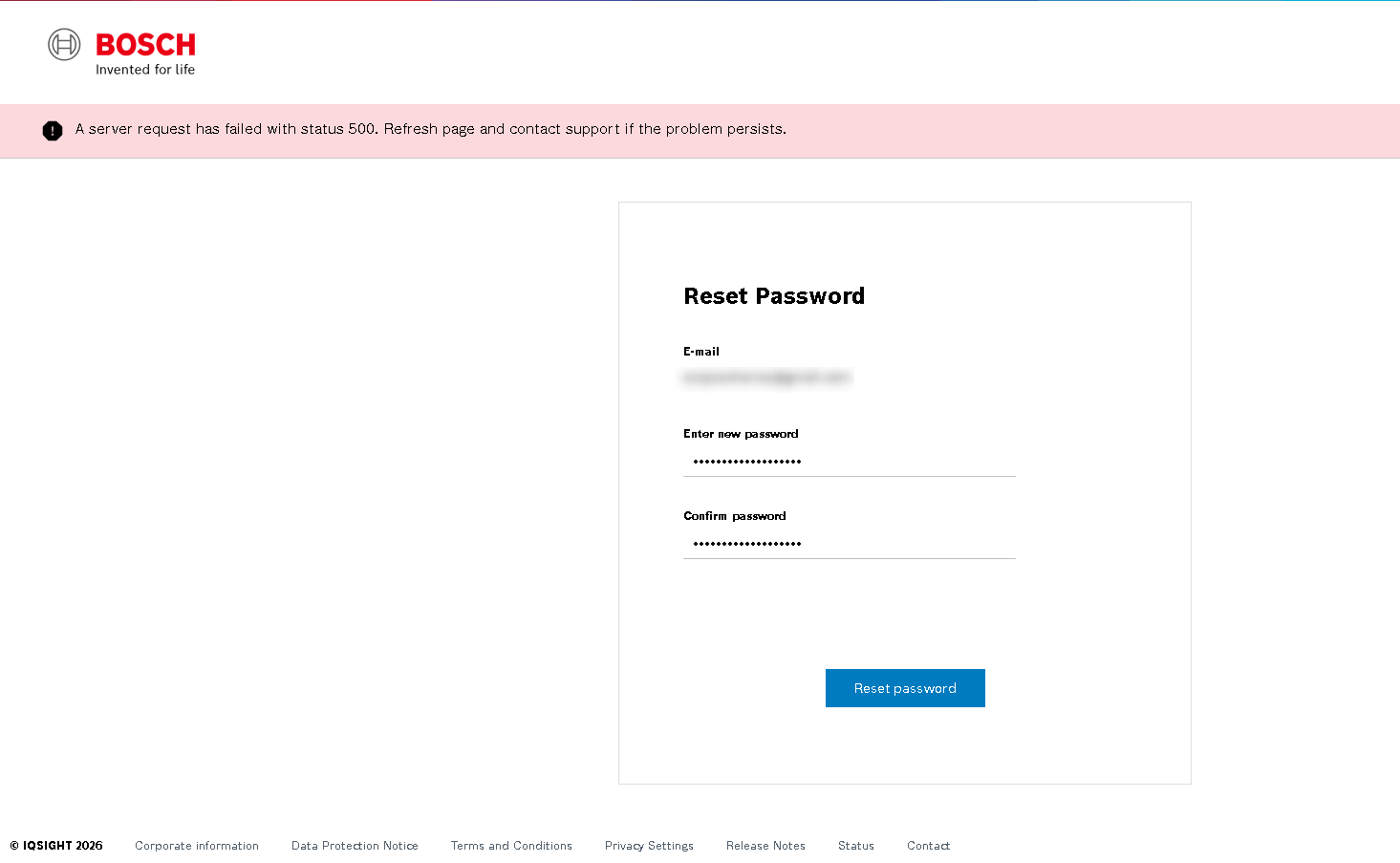
This error may occur if the Remote Portal service or server is temporarily unavailable.
Recommendation:
Try to reset your password again later. If the issue persists, try using a different web browser.
If the issue problem persists contact the Technical Support team.