
Question
Why is video delayed and low quality when using VSC with BVMS 13.0 remotely?

Answer
When connecting cameras through VSC remotely, if the video appears delayed and low quality, this behavior may occur due to the BVMS and VRM versions in use:
-
BVMS version: 13.0
-
VRM version: 4.60.0028
The same VSC version works correctly with BVMS 12.3, indicating that the behavior is specific to BVMS 13.0 and VRM 4.60.
To fix the issue, it is recommended to upgrade to VRM 4.61.0031.
Depending on whether BVMS is running on an appliance or a standalone, server select the appropriate package:
-
BVMS Appliances: BVMS_13.0.0_Updates_SystemManager_package_1.1.
-
BVMS Standalone Server: Setup_VRM_Server_04.61.0031_x64.exe
Note:
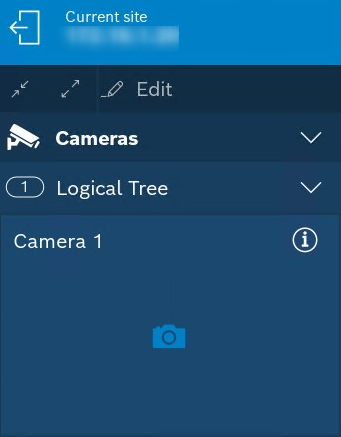
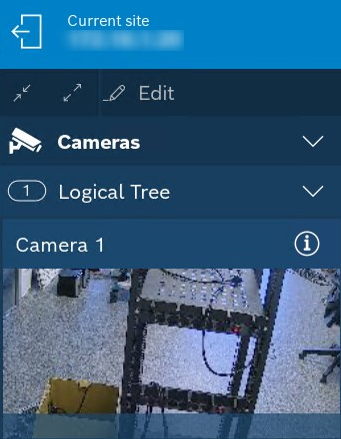
Additionally, if thumbnails are missing or not updating in VSC, upgrading to VRM 4.61.0031 will fix that as well. The Release Notes include the following fix:
-
Fixed issue: Thumbnail creation not working in combination with Video Security Client
|
VRM 4.60.0028 |
VRM 4.61.0031 |
|
|