
Possible causes and solution(s)
Symptoms
BVMS may not run properly when Microsoft Smart App Control is enabled on Windows 11.
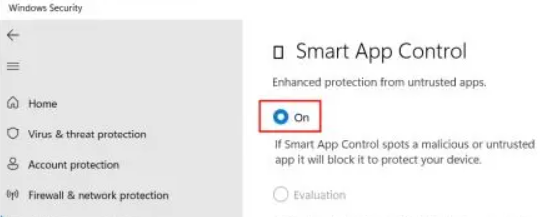
Smart App Control, a security feature available in Windows 11, may block certain BVMS services or applications from starting.
-
Smart App Control is typically enabled only on clean installations of recent Windows 11 builds.
-
When upgrading to Windows 11 from an earlier Windows version, Smart App Control is usually disabled.
-
In some scenarios, it may not be possible to enable Smart App Control if the system was not installed as a fresh Windows 11 installation. However, this behavior may change with newer Windows 11 builds.
Solution
If BVMS services or applications do not start properly, disable Smart App Control on the affected Windows 11 machine.
This is a known limitation and is planned to be addressed in a future BVMS release.