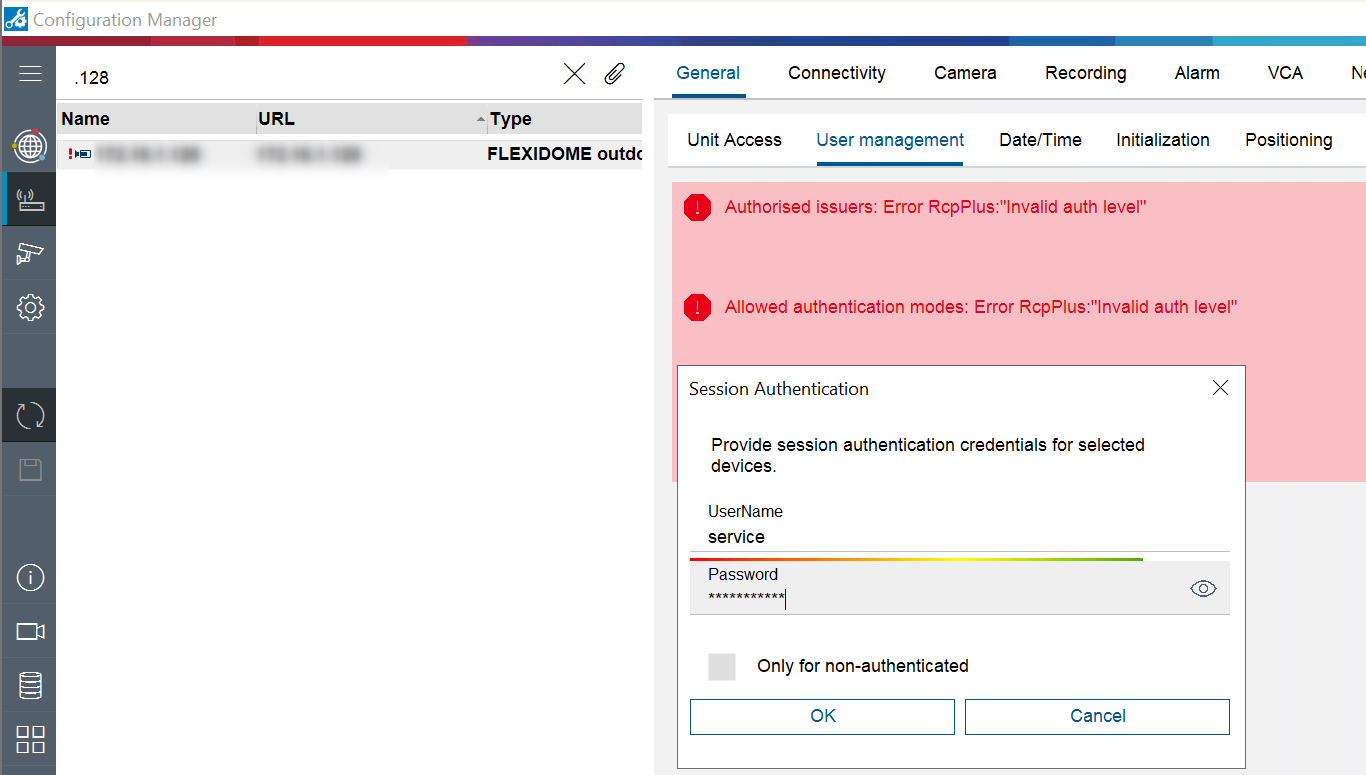
Question
How can you change the password for the ‘service’ user of your camera from Configuration Manager?
Answer
-
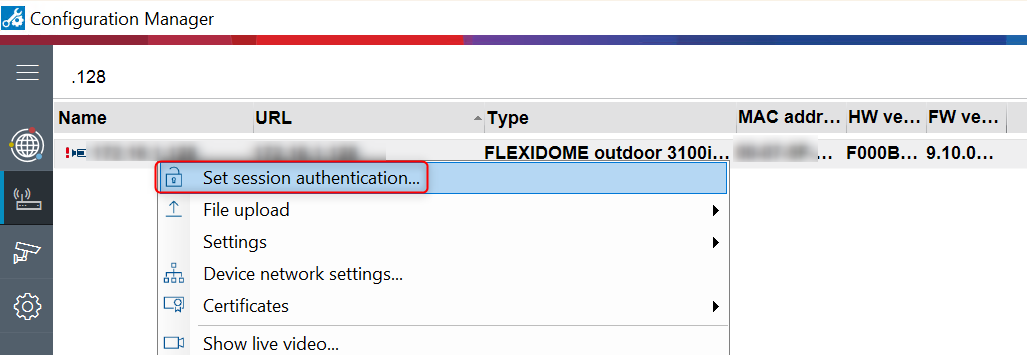
Right-click on your camera and select "Set session authentication…"
-
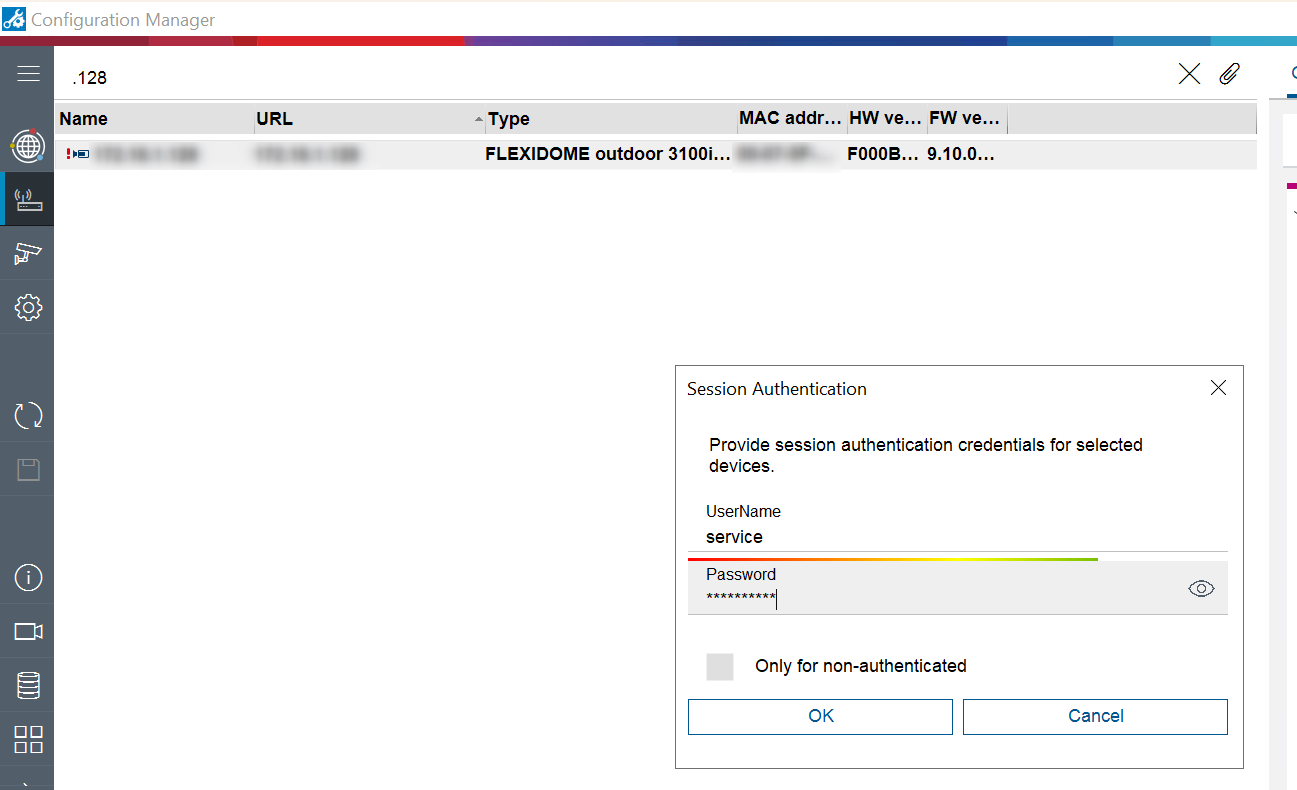
Enter the camera’s credentials and click OK
-
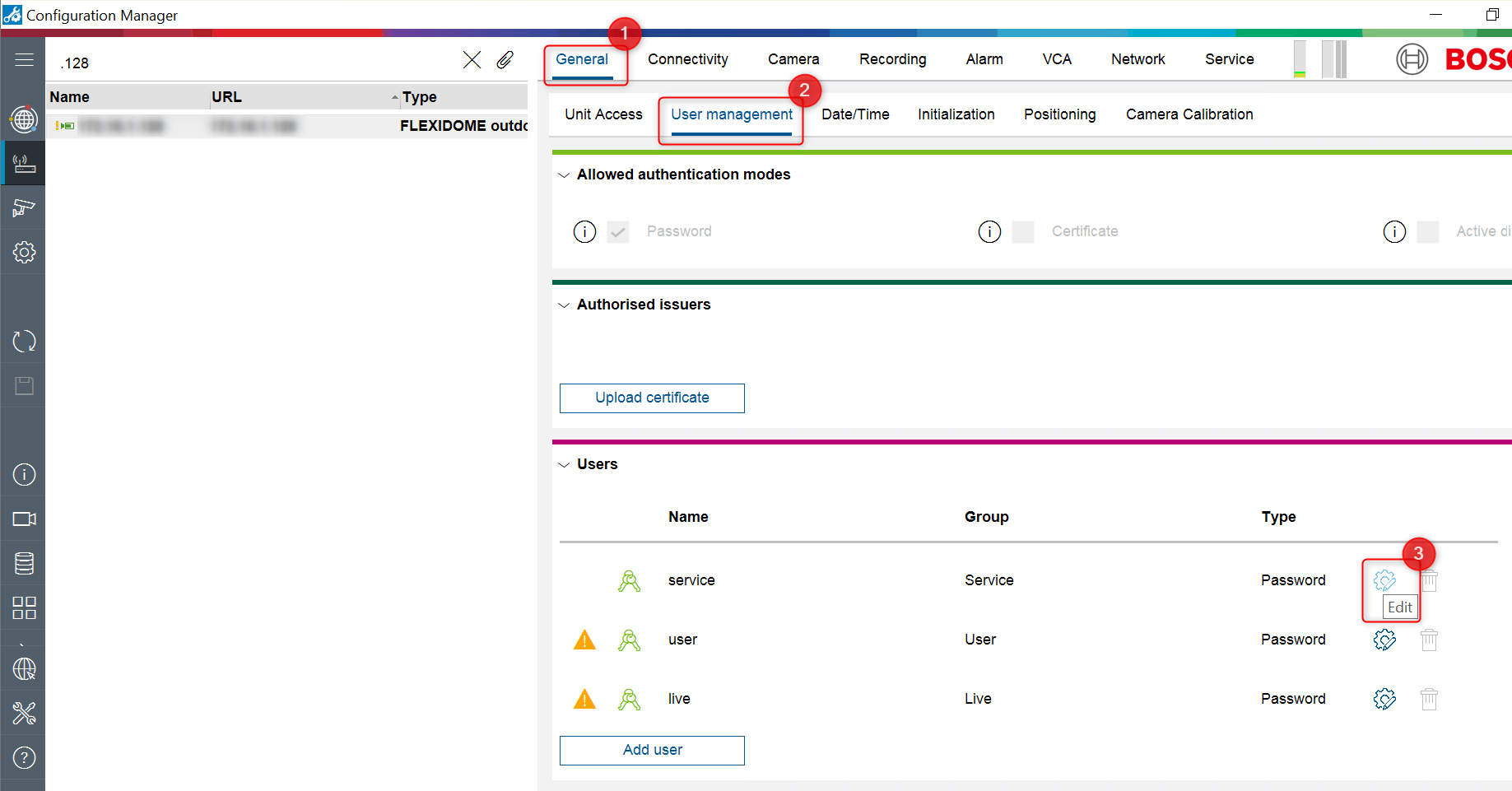
Go in General menu > select User management > click the Edit button next to the service user:
-
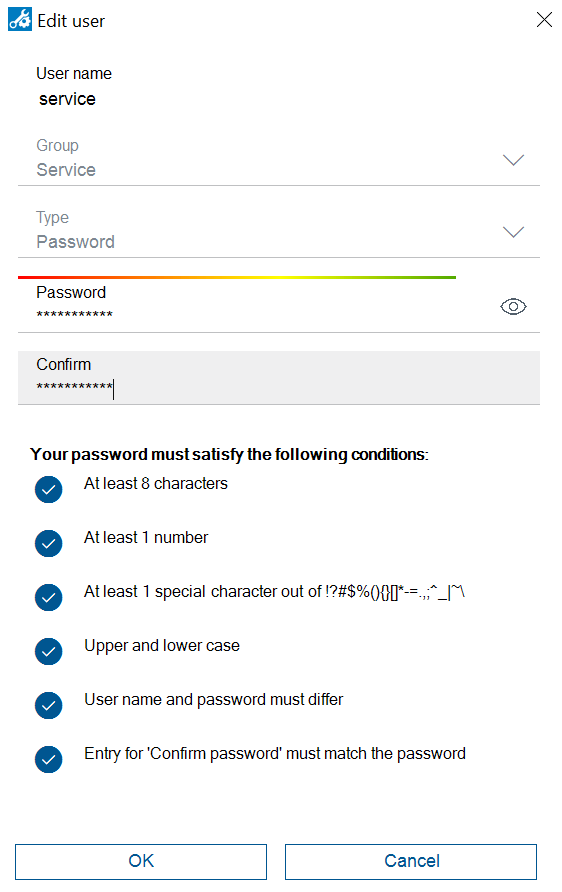
Type in the new password for the service user and click OK
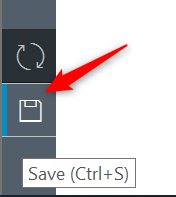
5. Then press Ctrl+S or click the Save button to save the change:
Now, enter the new credentials of the service user to authenticate back on your camera: