
Possible causes and solution(s)
Symptoms
After activating the license, the VRM went offline. The following behaviors can be observed:
-
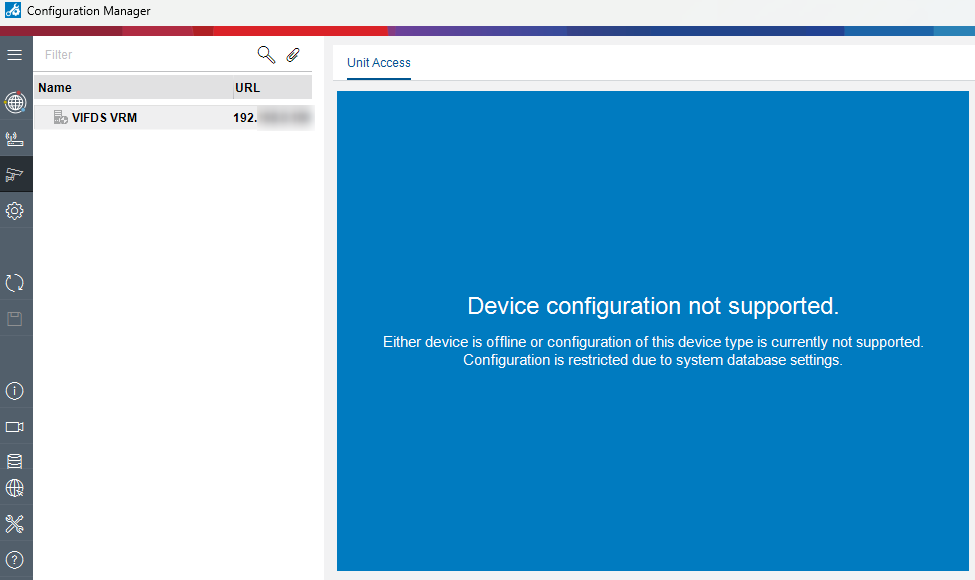
In Configuration Manager: VRM shows the message “Device configuration not supported”.
-
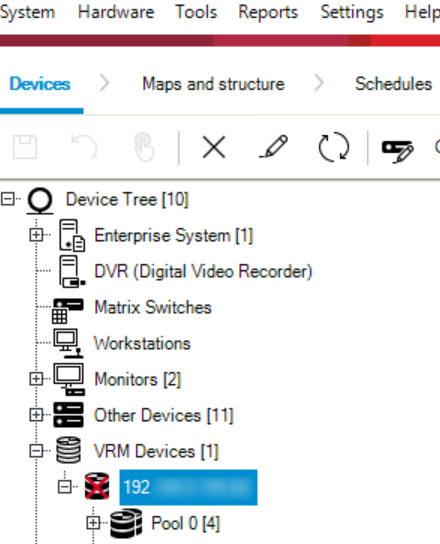
In Configuration Client: a red cross appears on the VRM icon
-
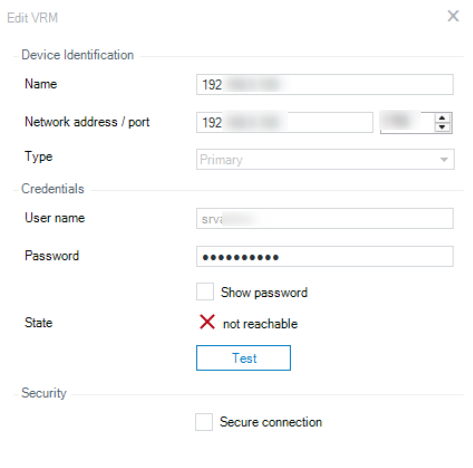
In Configuration Client: VRM is not reachable
-
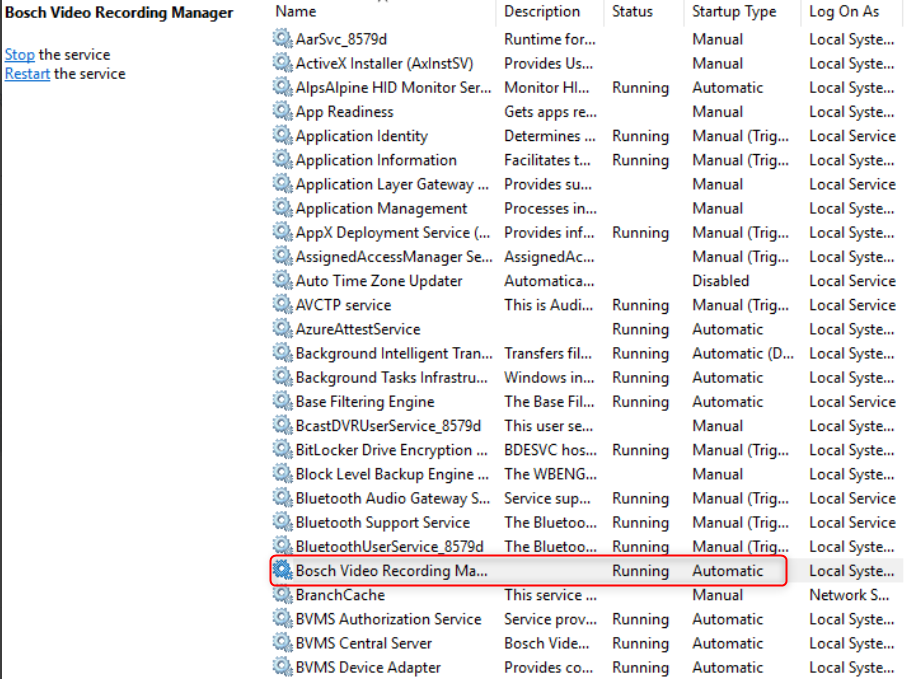
VRM service is running
Solution
To resolve this issue, install the cumulative patch BVMS1230171_Patch_Cum7.zip .
Once the patch has been applied successfully, the VRM should function normally.