
Question
What could cause a DIVAR IP 6000 all-in-one to continuously boot into the System Management Utility?
Answer
When a DIVAR IP 6000 all-in-one continuously boots into the System Management Utility, fails to complete any recovery operation regardless of the selected option, and consistently displays the error message: “Recovery failed” the issue may be caused by a corrupted system image.
If the “No image found” message appears at the bottom of the screen, it clearly indicates that the original image on the unit is missing or corrupted.
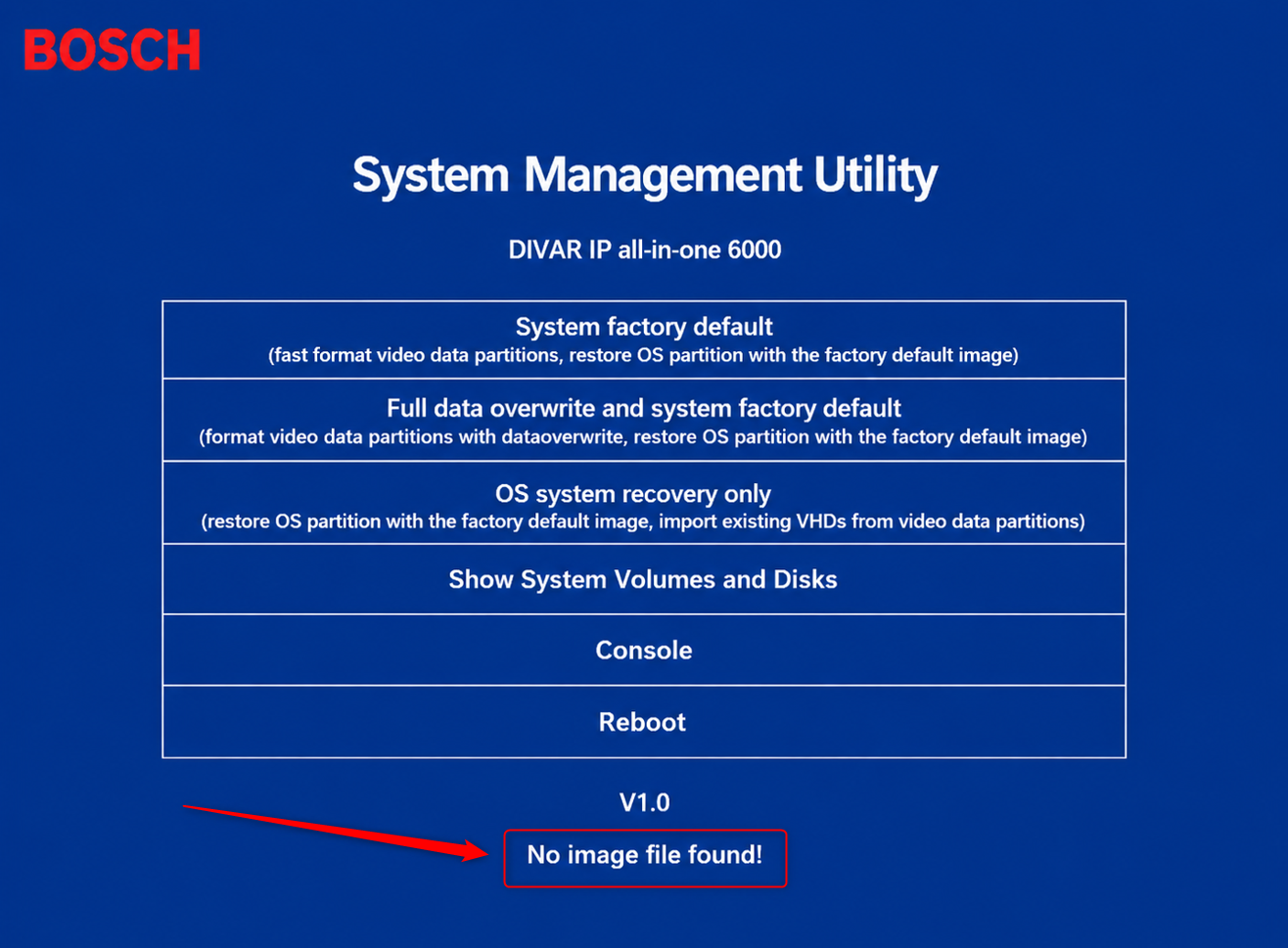
To resolve the issue, it is necessary to reinstall the original image.
To obtain the image installation package and the procedure to apply it, please contact the Central Technical Support team.