
Question
What to check if image is flickering on monitors connected to VJD-7533?
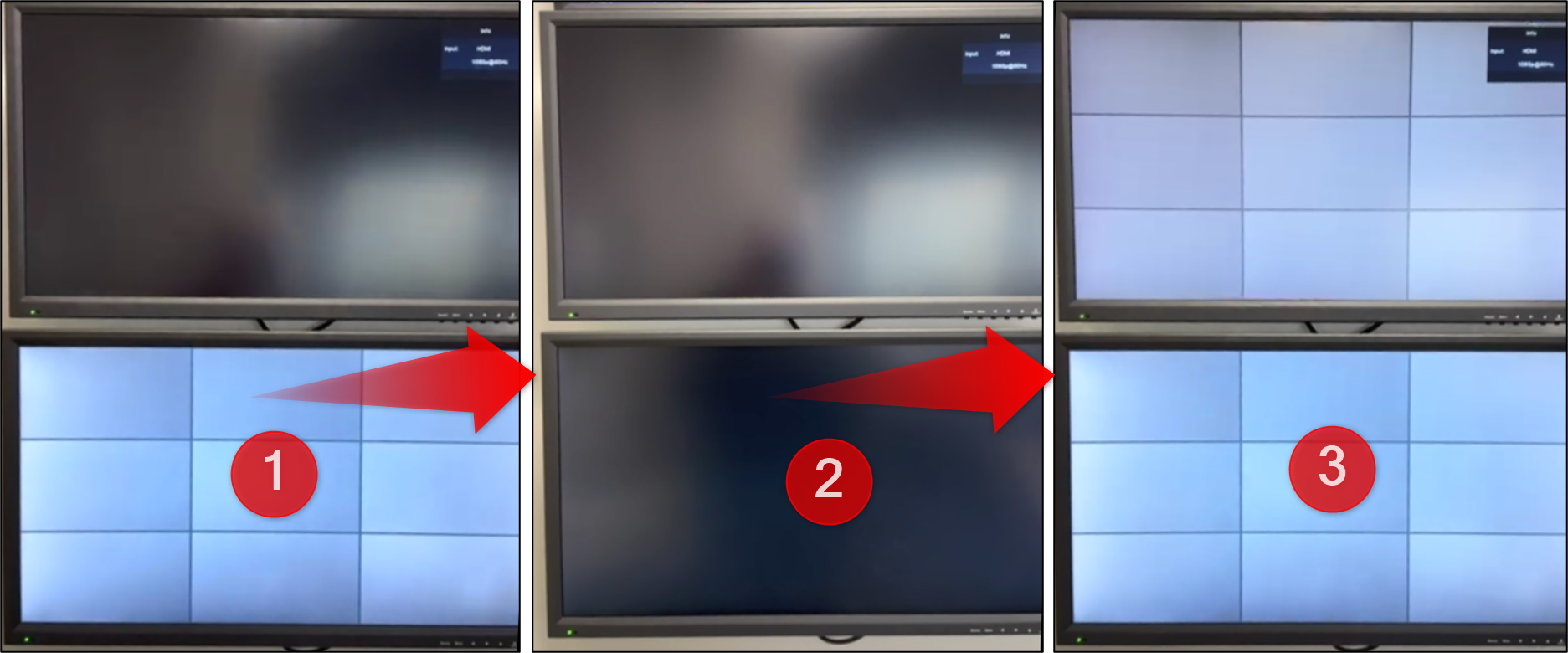
Environment scenario:
-
VIDEOJET decoder 7000 (VJD-7533)
-
Two connected monitors
-
BVMS 13.0
-
DIP-74CI-8HD
Answer
The image flickering could be caused by a faulty power cable connected to the decoder. Replacing the defective power cable can resolve the issue.
An unstable or insufficient power supply can lead to intermittent video output, resulting in flickering or signal loss on the connected monitors.
If image flickering occurs on monitors connected to a VIDEOJET decoder:
-
Check all power and signal cables to ensure they are properly connected and undamaged.
-
Verify that the decoder receives a stable power supply without voltage fluctuations. Check the Electrical chapter from its Datasheet.
-
If the issue persists, test the monitors and HDMI/DVI cables individually to exclude display-related causes.