
Question
What to do if the HERE Map shows a gray screen in BVMS 13.0 after upgrading from 12.2?
Answer
After upgrading from BVMS 12.2 to 13.0, the HERE Map feature may display a gray screen in Configuration Client, and only a few cameras may be visible. An error message such as “The objects cannot be displayed due to service unavailability” can also appear in Operator Client.
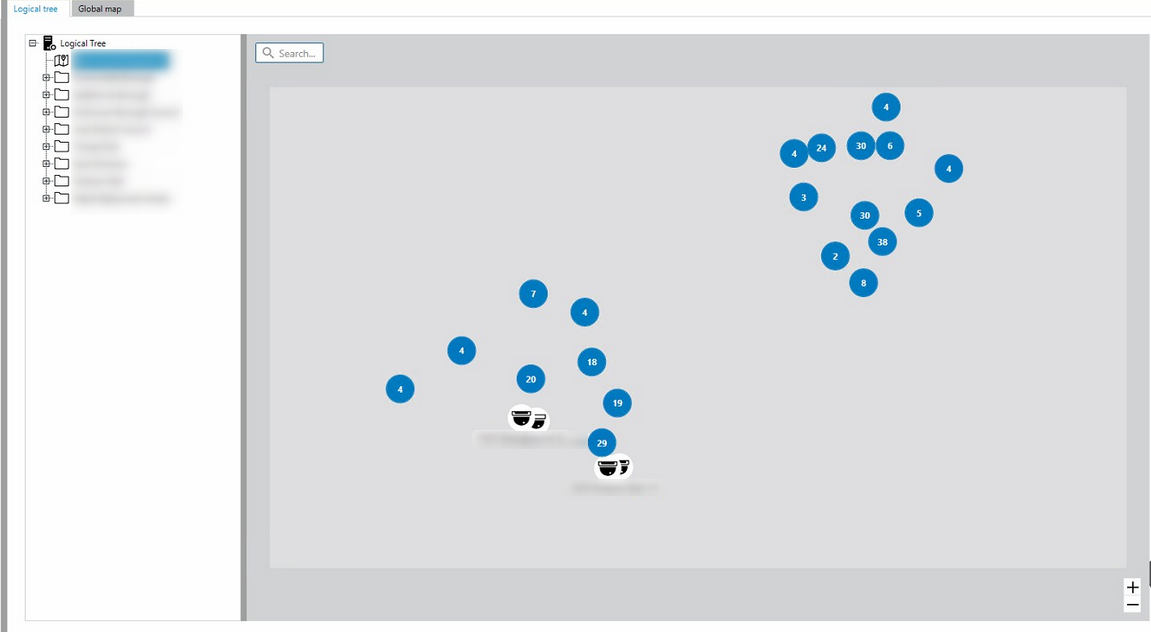
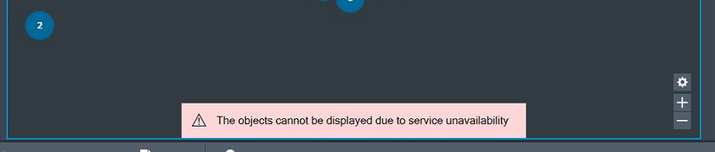
This behavior is resolved by installing the BVMS 13.0 Cumulative Patch 1, which fixes the issue where the previous HERE map service was migrated to a new internal service (Issue 487778).
Another scenario where GIS Map cannot load & display was observed on the DIVAR IP 4000 AIO with BVMS v13.0
-
Updating the Software to BVMS_13.0.0_Updates_SystemManager_package_1.1 resolves this behavior.
See more info about this patch in the Release notes | BVMS 13.0.0 Updates SystemManager package
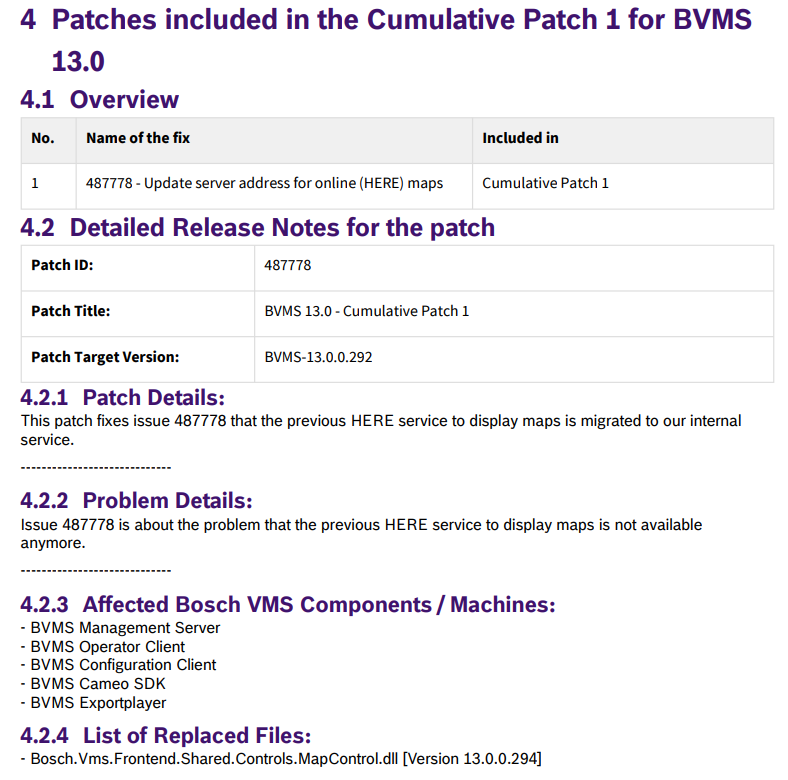
After installing these updates, the HERE Map loads correctly.