Question
Where can I find the SNMP MIB files for the DSA E-Series E2800 Dual Controller Unit (12×12TB) version below 11.90R5?
Answer
The SNMP MIB files for the DSA E-Series E2800 Dual Controller Unit (12×12TB) can be downloaded from the NetApp support portal, as part of the SANtricity OS software download package.
Note that SNMP MIB files are available for download up to version 11.90R5.
Please ensure that the serial number is still under warranty and that you have a valid NetApp account.
-
Log in to your NetApp
-
Select Downloads from the main menu after logging in.
-
Locate E-Series SANtricity OS Controller Software in the product list.
-
Select the desired version and click Go.
-
Check the terms and conditions, then click Accept and Continue.
-
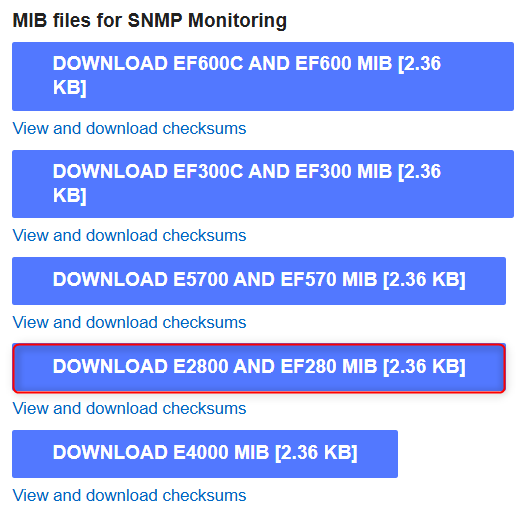
Scroll down to the bottom of the page, where the SNMP MIB files are available for download.