Question
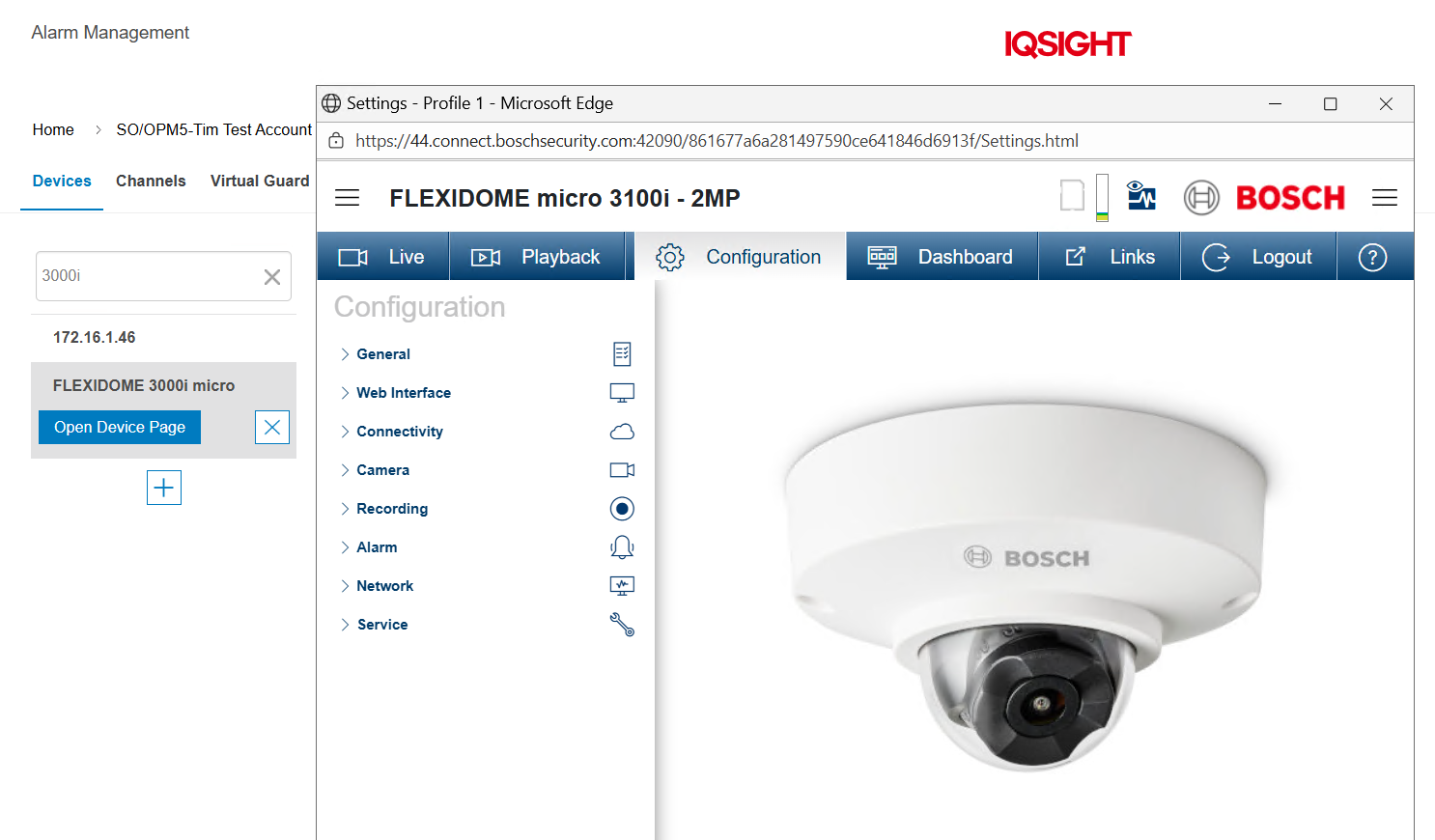
Why am I unable to open the camera’s Device Page from Alarm Management?
Answer
It may happen that the camera’s Device Page does not open in Alarm Management.
After selecting Open Device Page → Justify Request (choose an option from the drop-down list) → click Confirm, nothing happens.
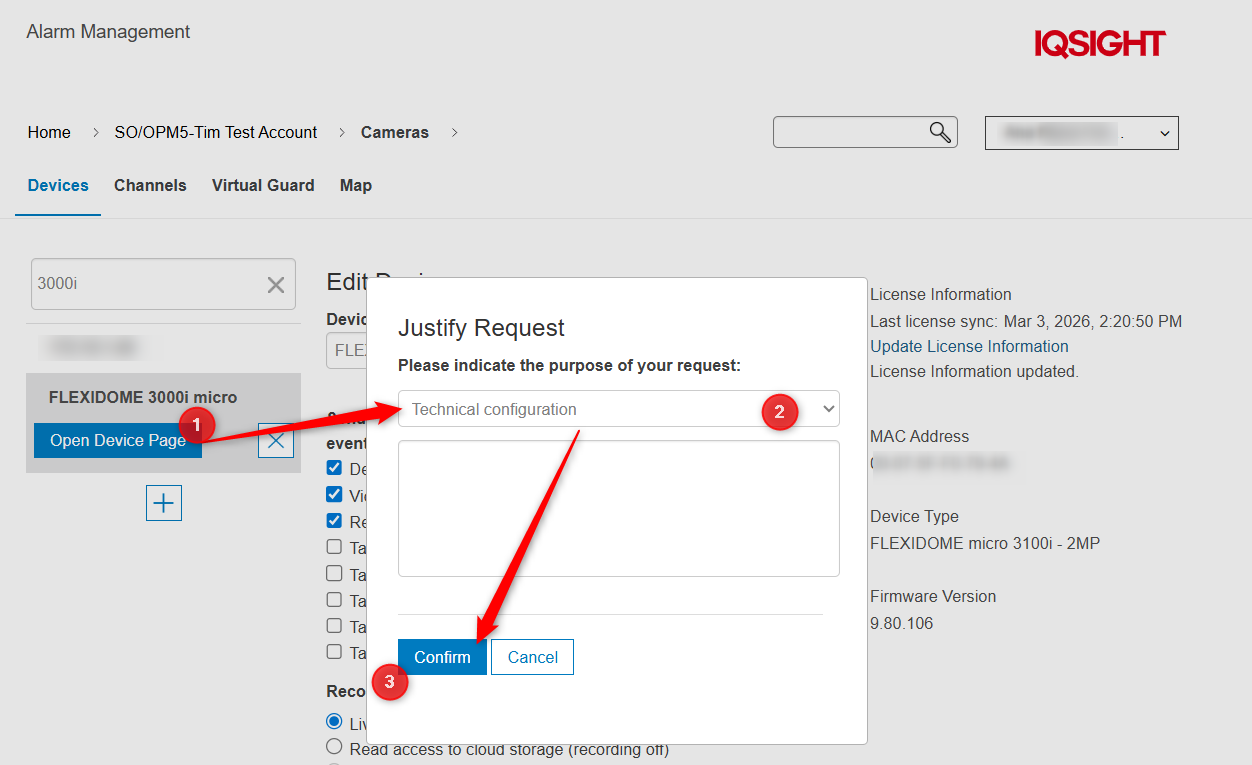
This usually occurs because pop-ups are blocked by your browser.
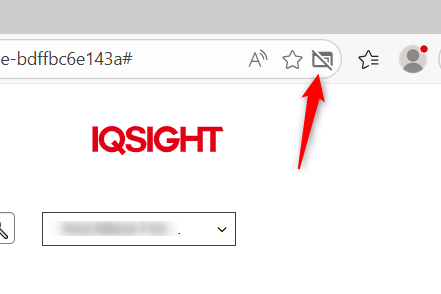
To resolve this:
Click on the blocked pop-up icon in your browser.
-
Select “Always allow pop-ups and redirects from https://…”
-
Click Done.
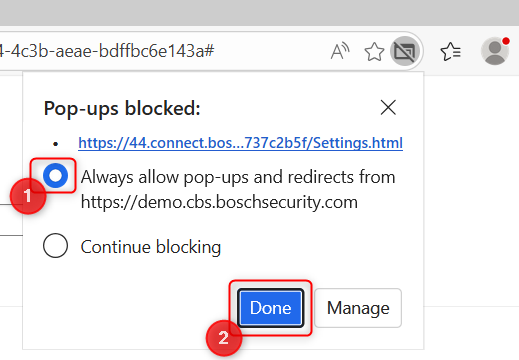
Then repeat the steps:
Open Device Page → Justify Request → Confirm
The Device Page should now open successfully.