Question
Why do I receive ‘This software order is not valid’ or ‘The license is not valid for this computer’ when activating BVMS licenses?
Answer
These error messages can appear in different situations related to software order handling or license usage in BVMS. They can be seen either in Remote Portal or License Manager.
When seen in Remote Portal:
The error
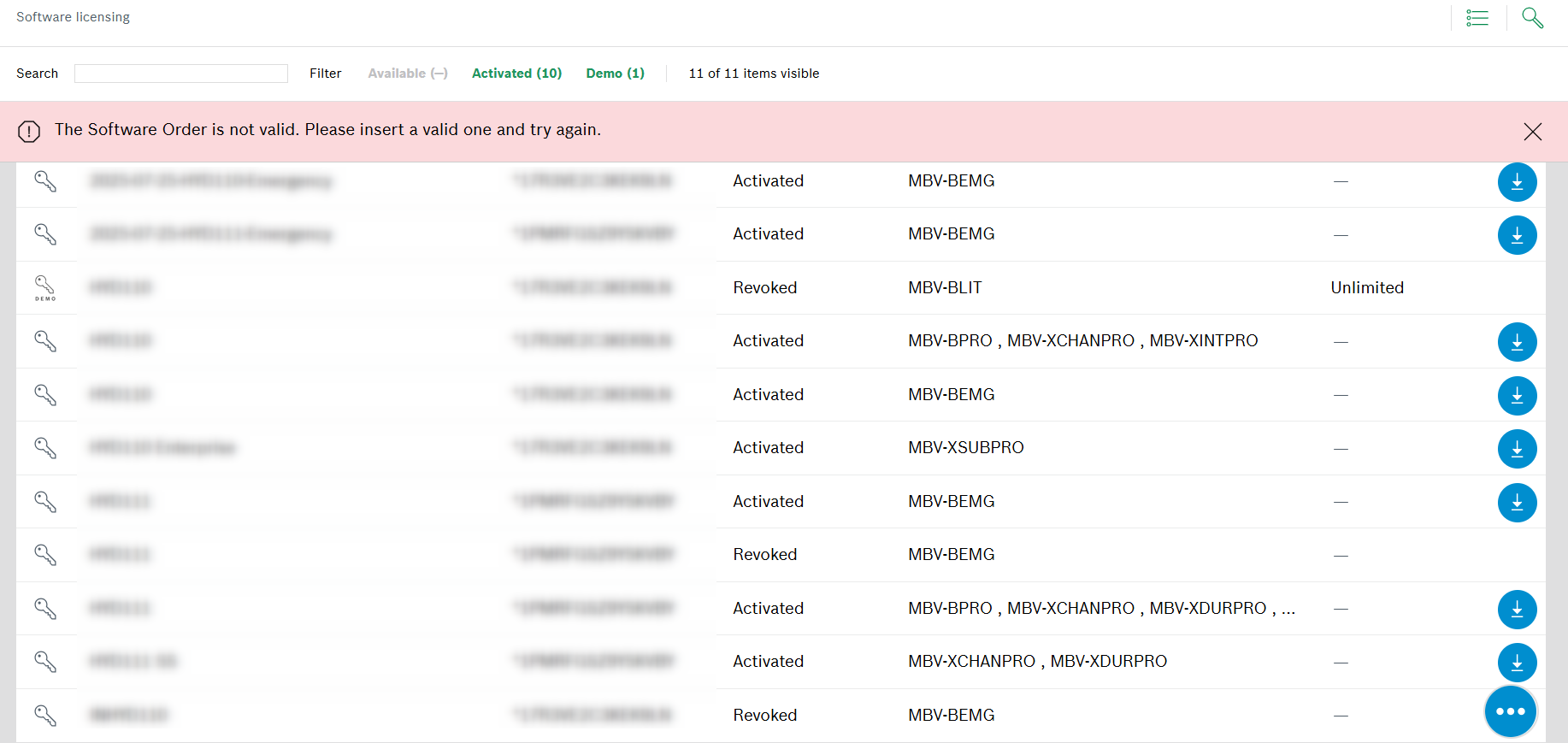
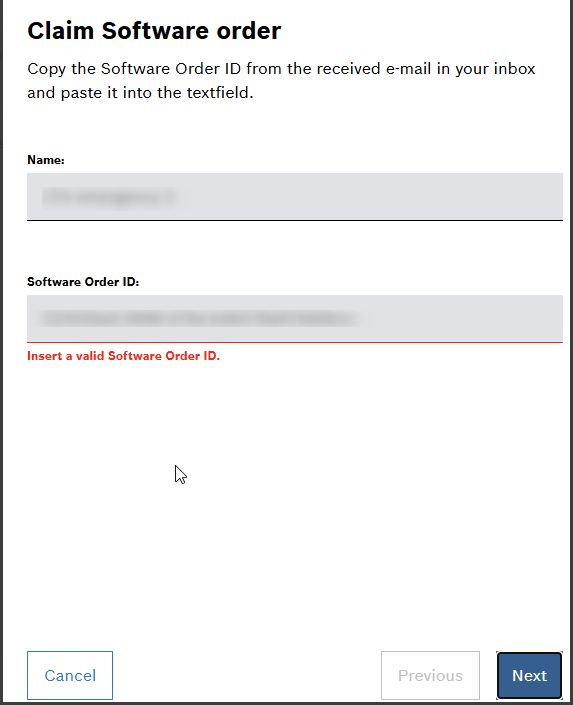
“This software order is not valid, please insert a valid one and try again.” / “Insert a valid Software Order ID”
may happen when:
-
There was a typo or missing character when entering the Software Order ID
-
The order was already claimed
What can you do if this error appears:
-
Make sure the Software Order ID is written correctly, without any typo or missing character
-
Make sure that the license wasn’t already claimed on a different Remote ID. If this happened and it wasn’t activated yet on any fingerprint, then it can be un-claimed and claimed again somewhere else, as described in this article: https://knowledge.keenfinity-group.com/video-systems/article/can-i-move-a-software-license-from-an-user-account
When seen in License Manager:
The error
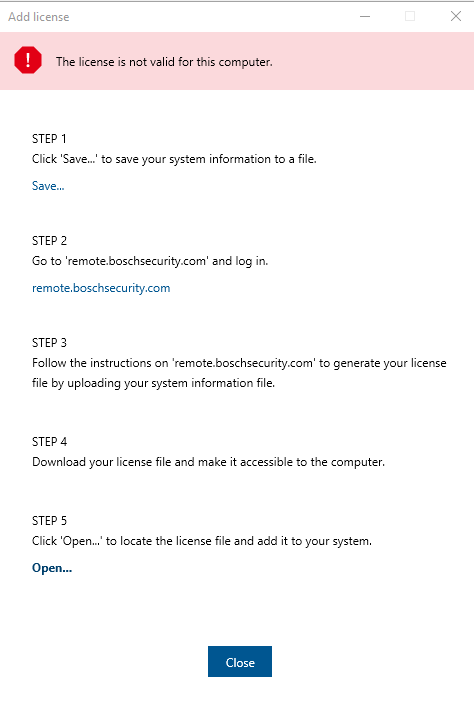
“The license is not valid for this computer.”
may appear if you upload the activation file on the wrong server. You can only use it on the server where it was activated in Remote Portal, so check the fingerprint and make sure this is the correct unit.