Question
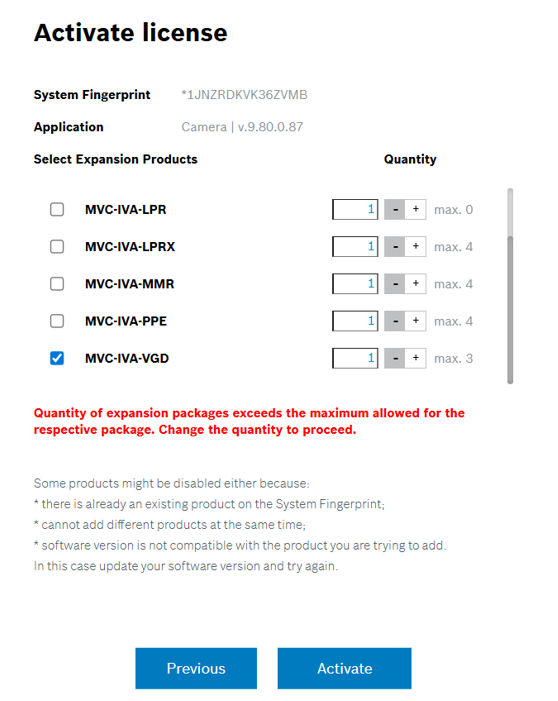
Why does the ‘Quantity of expansion packages exceeds the maximum allowed for the respective package’ occur during the IVA Pro license activation?
Answer
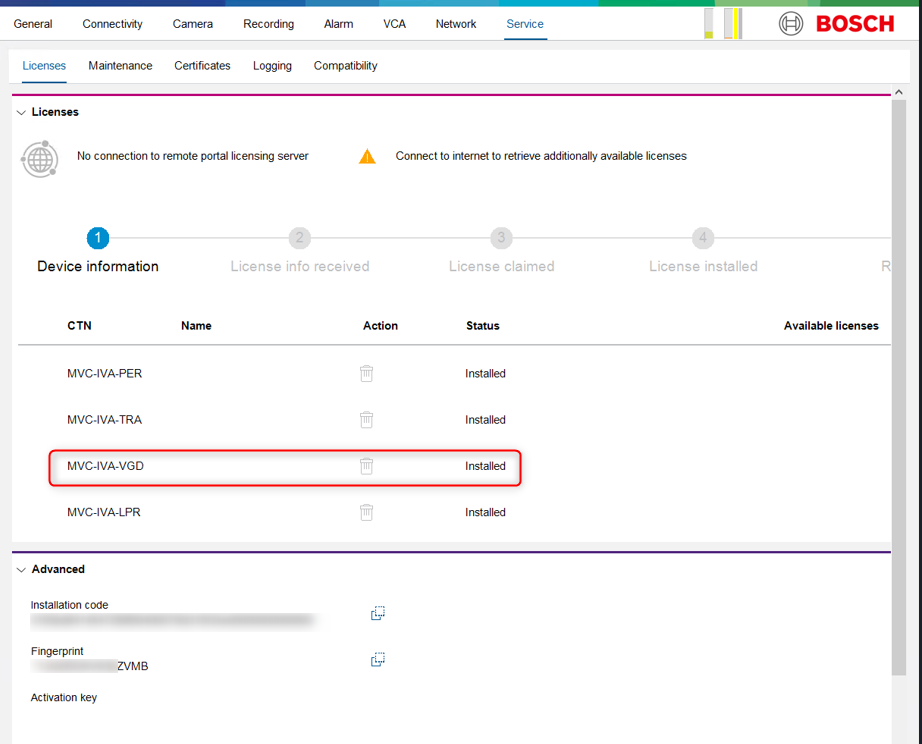
This message may appear if the MVC-IVA-xxxx product is already activated on the camera where you are attempting to activate the license.
Therefore, check whether the MVC-IVA-xxxx license is already active on the fingerprint. In this case: MVC-IVA-VGD.
Resolution steps:
-
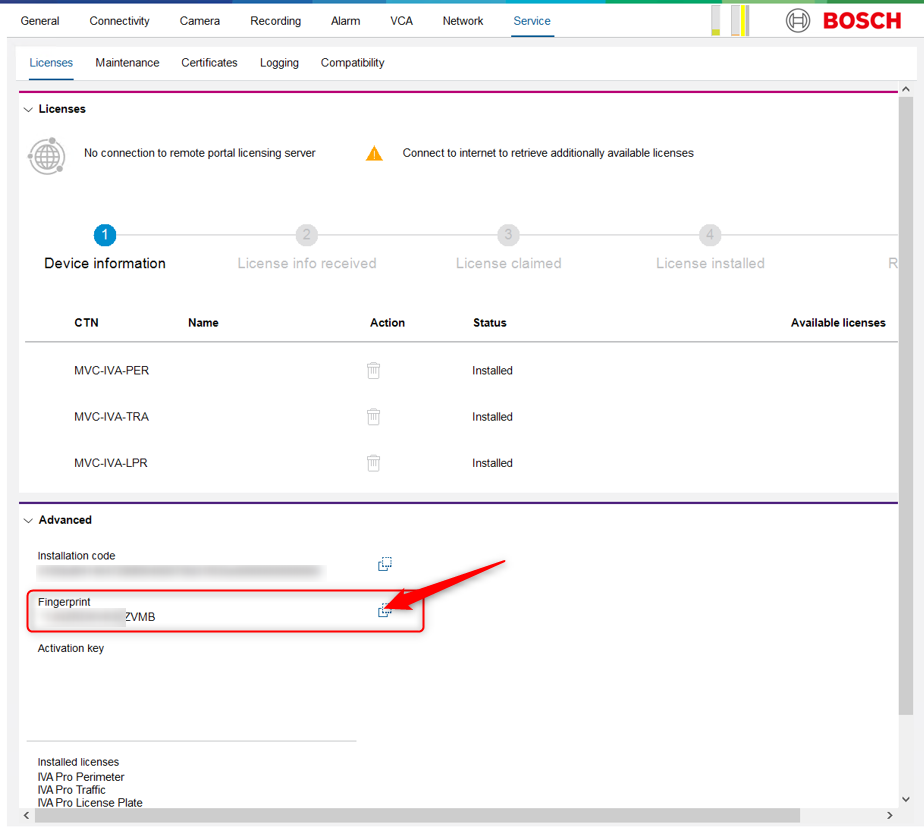
Go in Configuration Manager and select the camera you wanted to activate the MVC-IVA-VGD license for.
-
Copy the Fingerprint of the camera
-
Login into Remote Portal account and go to Software Licensing tab and search for the Fingerprint.
Be sure that the “Activated” Filter is on
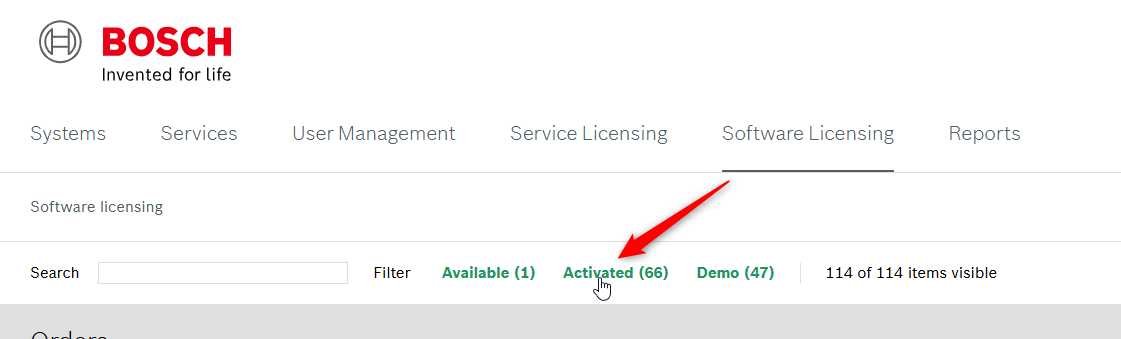
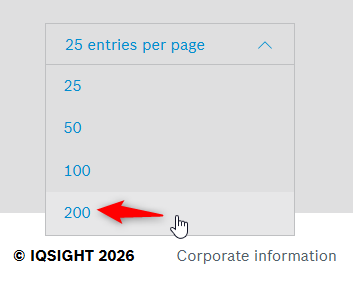
and you have 200 entries per page active under the Activated licenses section from the page
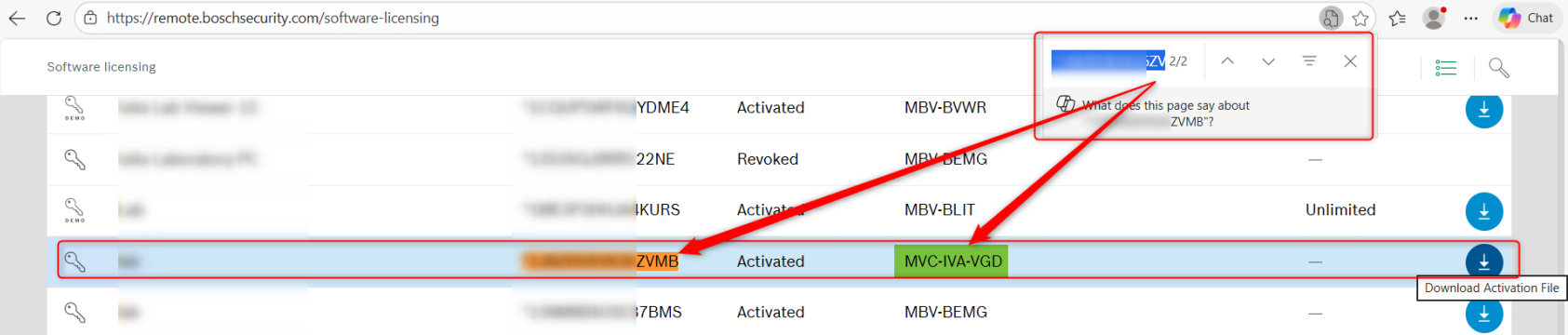
If you’ll find the MVC-IVA-VGD license as “Activated” next to the Fingerprint, that’s the cause of the ‘Quantity of expansion packages exceeds the maximum allowed for the respective package’ message:
-
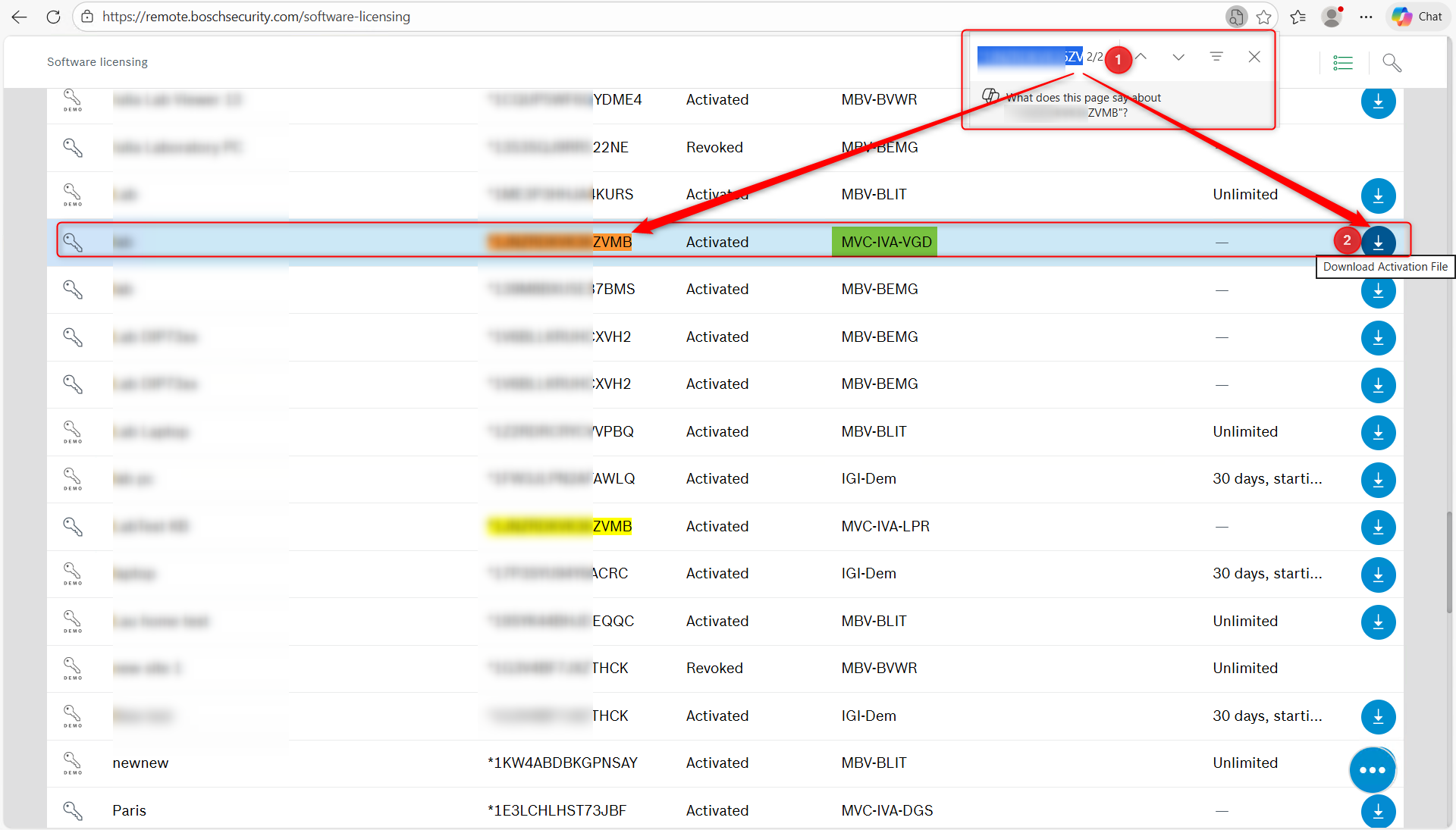
If you want to add it back to the camera and be visible in Configuration Manager, click Download Activation File button next to the MVC-IVA-VGD license corresponding to the Fingerprint.
-
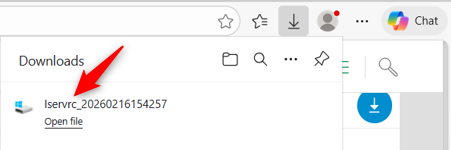
The lservrc file will be downloaded:
-
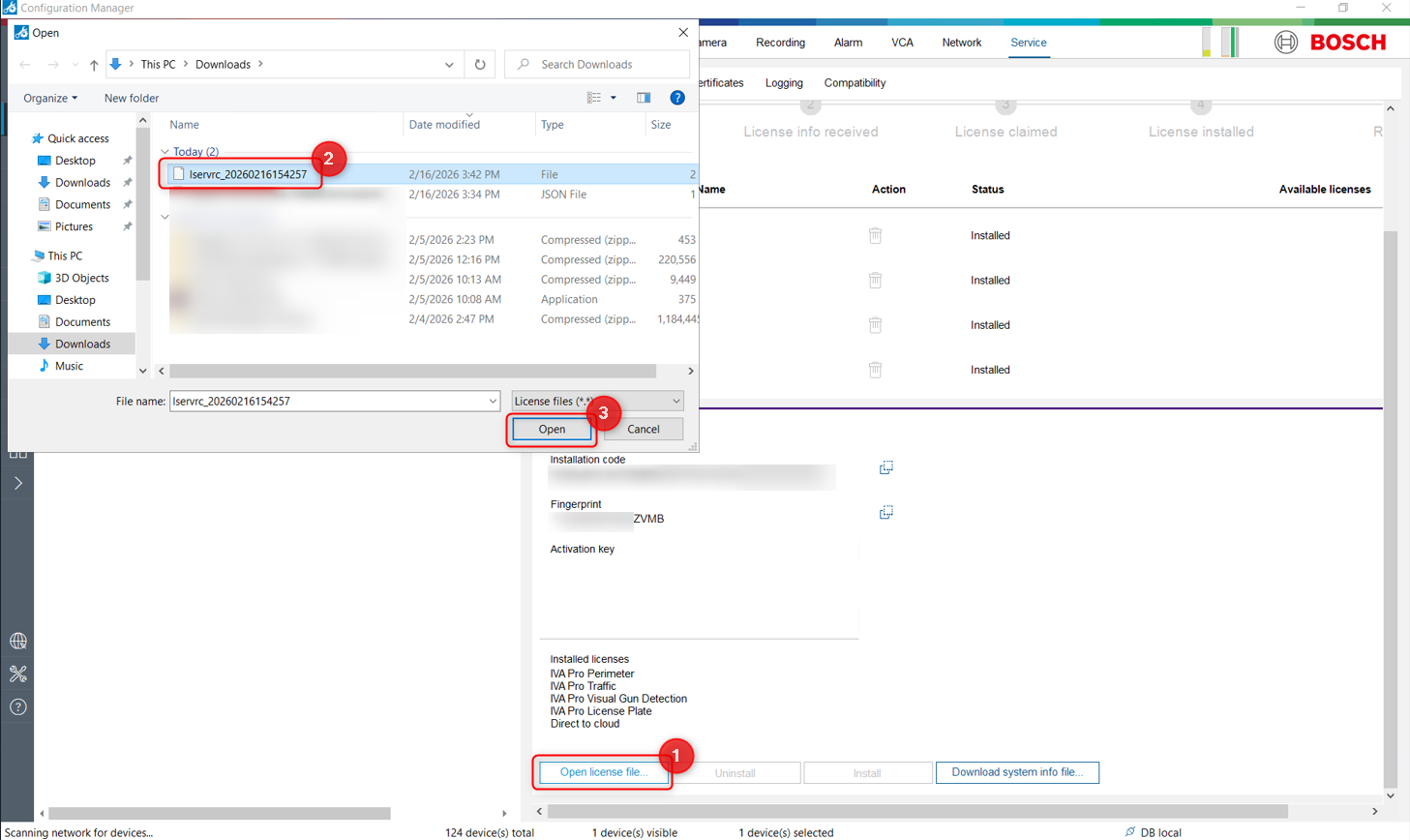
Go back in Configuration Manager and click Open license file.. > Select the new lservrc file that you just downloaded and click Open
-
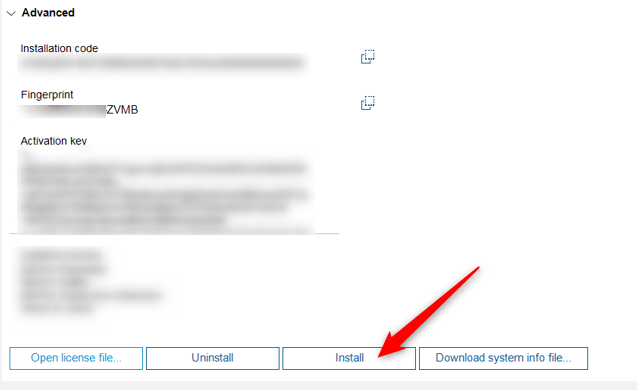
The Install button will become active. Click Install
-
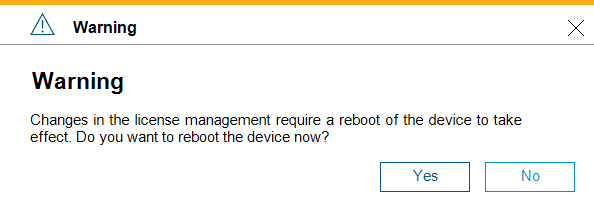
Click Yes and wait for the camera to reboot
-
Once the camera is back, login on it and go in Service > Licenses
You’ll see that the MVC-IVA-VGD License will be installed and visible on your camera.